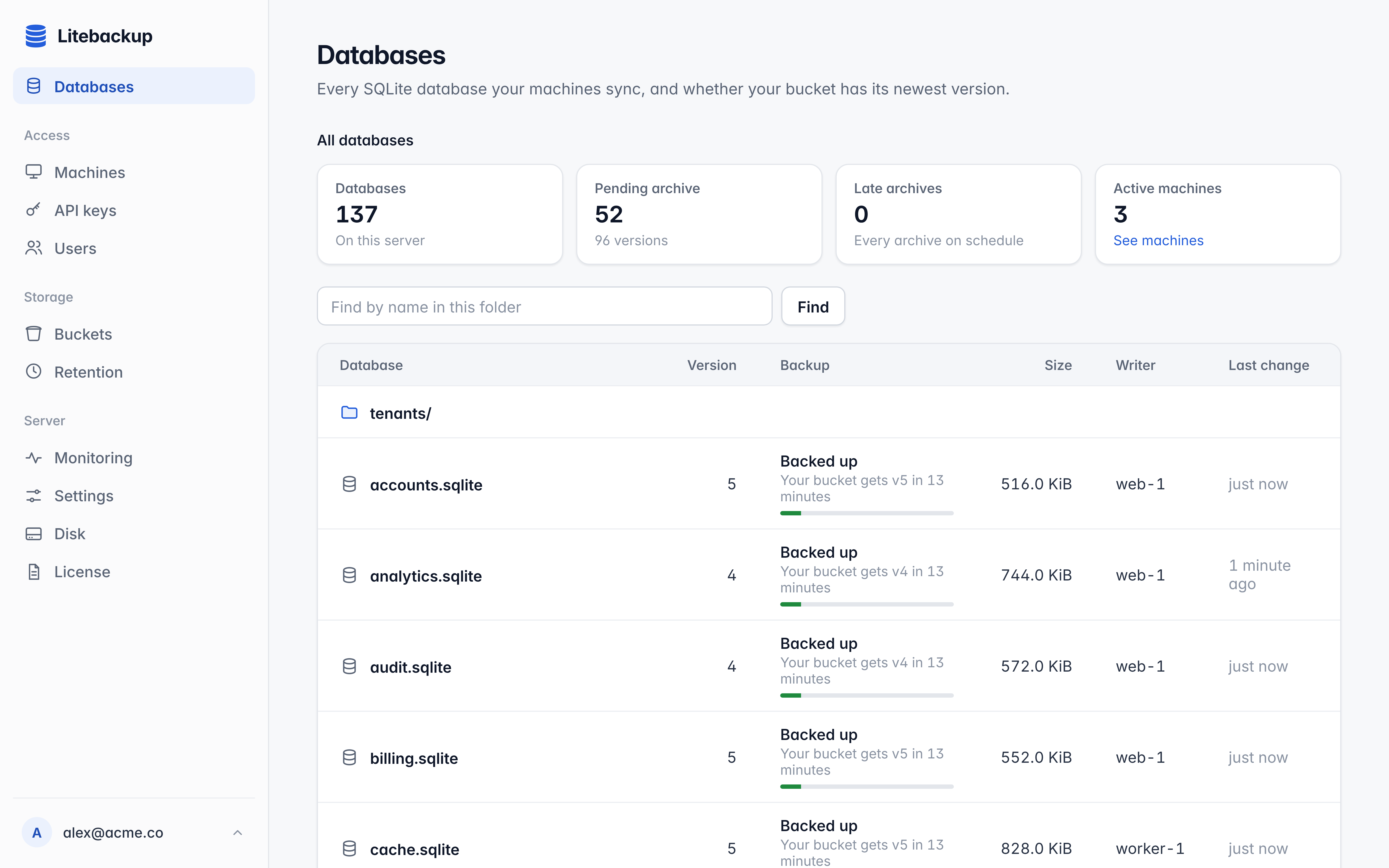
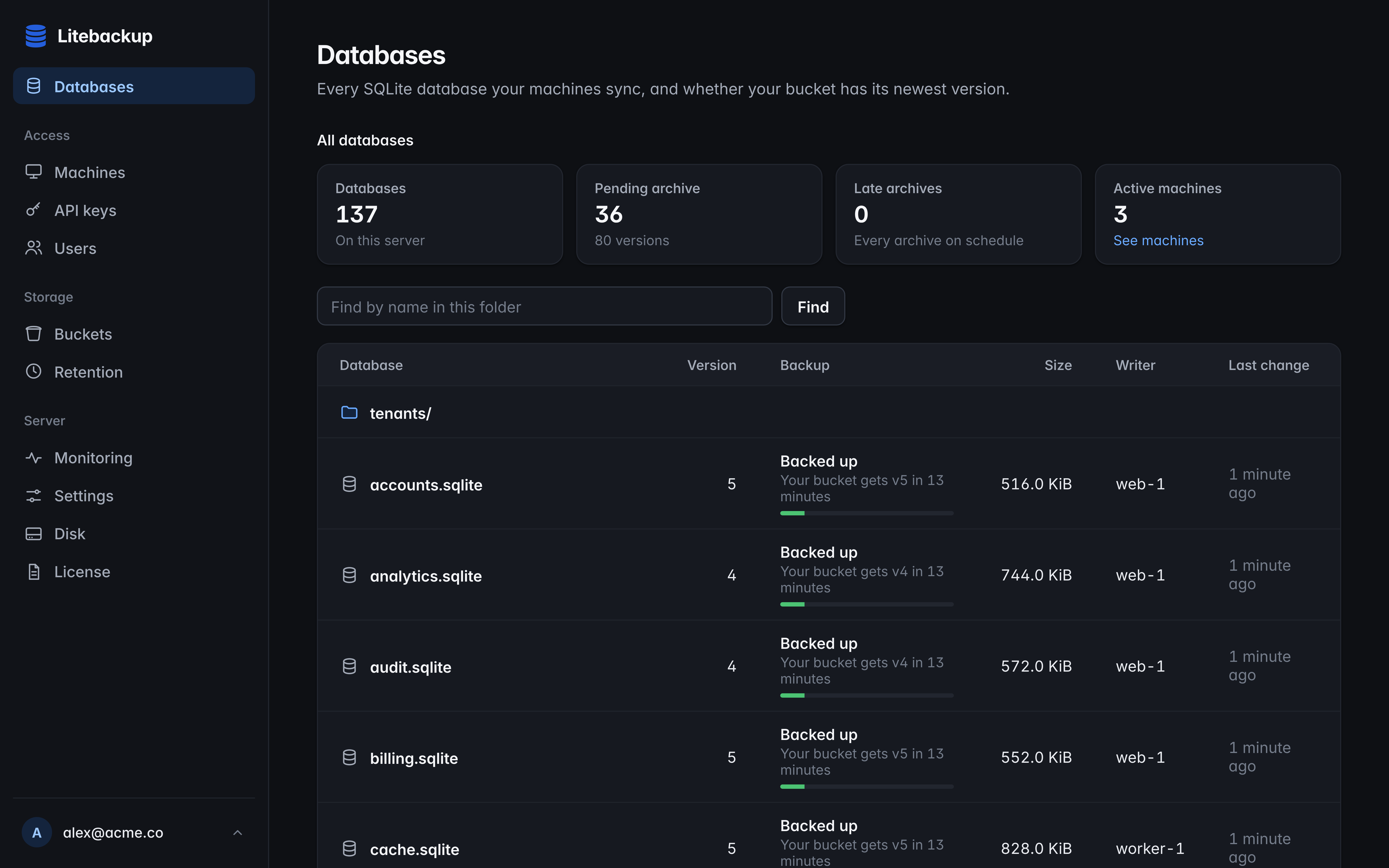
litebackup start and backups.start save a backup rule on this machine and return as soon as it is stored. From then on the client finds the matching files and sends each change to your server within seconds. It keeps backing up after your app exits, and a client installed as a service starts again after a reboot.
Files, directories, and globs
Pass one file, a directory, or a quoted glob such as '/var/lib/app/tenants/**/*.sqlite'. A rule picks up new matching files as they appear and skips SQLite's -wal, -shm, and -journal files, so there is nothing else to list. Databases in WAL and rollback-journal mode both work, and only in-memory databases, which have no file, cannot be backed up.
Names
Each database has a name on your server, which is what you restore, replicate, and acquire. A file keeps its file name by default, with its case and spelling preserved, and a second argument sets an exact name or a prefix ending in a slash. A recursive glob keeps the relative path, so /data/a/b/42.sqlite under the prefix tenants/ becomes tenants/a/b/42.sqlite.
One writer for each name
A name has one writer at a time, and Litebackup never merges two copies. When a second machine starts backing up a name that another machine writes, its status reports busy and nothing is overwritten, so give separate databases separate names or prefixes.
Scheduled jobs
litebackup backup and the SDK's backup() run once in the foreground, which suits cron, CI, and Kubernetes jobs. They send the current version, wait for your server to confirm it, or for your bucket with --durability cloud, and exit with an error if any file fails.
Persistent storage
Keep each database and its -wal and -shm files together on a disk or volume that survives restarts and redeploys. In a container, keep the client's state directory on a volume as well, so the machine keeps its identity and picks up where it stopped.
Stopping a backup
litebackup stop NAME stops a single-file backup, and litebackup stop --rule ID stops a directory or glob rule along with the files it would find later. The local files stay where they are, and the versions on your server and in your bucket follow your retention settings.
Back up a file, a directory of tenants, or a scheduled export
Continuous rules keep running in the client after these calls return, while a foreground backup finishes once the version is safe.
import Database from "better-sqlite3";
import { Litebackup } from "@litebackup/sdk";

const litebackup = new Litebackup();

// Continuous backup of the database your app opens, under its own name, main.sqlite.
const path = "/var/lib/app/main.sqlite";
const db = new Database(path);
db.exec("CREATE TABLE IF NOT EXISTS notes (body TEXT)");
await litebackup.backups.start(path);

// Every tenant database, including ones created later, under tenants/.
await litebackup.backups.start("/var/lib/app/tenants/*.sqlite", { prefix: "tenants/" });

// A one-time backup for a scheduled job, finished once your server has it.
await litebackup.backups.once("/var/lib/app/exports/report.sqlite", {
  prefix: "scheduled/",
  timeout: "30m",
});
package main

import (
	"context"
	"log"

	"github.com/litebackup/sdk/litebackup"
)

func main() {
	ctx := context.Background()

	// Continuous backup of one file, under its own name, main.sqlite.
	_, err := litebackup.StartBackup(ctx, "/var/lib/app/main.sqlite", nil)
	if err != nil {
		log.Fatal(err)
	}

	// Every tenant database, including ones created later, under tenants/.
	_, err = litebackup.StartBackup(
		ctx,
		"/var/lib/app/tenants/*.sqlite",
		&litebackup.StartBackupArgs{
			Prefix: "tenants/",
		},
	)
	if err != nil {
		log.Fatal(err)
	}

	// A one-time backup for a scheduled job, finished once your server has it.
	err = litebackup.Backup(ctx, "/var/lib/app/exports/report.sqlite", &litebackup.BackupArgs{
		Prefix: "scheduled/",
	})
	if err != nil {
		log.Fatal(err)
	}
}
# Back up a SQLite file, a group of databases, or a scheduled export.
# Continuous backup of one file, under its own name, main.sqlite.
litebackup start /var/lib/app/main.sqlite

# Every tenant database, including ones created later, under tenants/.
litebackup start '/var/lib/app/tenants/*.sqlite' tenants/

# A one-time backup for a scheduled job, finished once your server has it.
litebackup backup /var/lib/app/exports/report.sqlite scheduled/ --timeout 30m

litebackup rules                 # the rules this machine backs up, with their IDs
litebackup status                # each database's role, state, and versions
litebackup stop main.sqlite      # stop a single-file backup by its name
litebackup stop --rule RULE_ID   # stop a directory or glob rule, with its ID from litebackup rules
Back up a database in SQLite WAL mode
SQLite can keep committed writes in the -wal file until a checkpoint copies them into the main database. To make a copy while the app is open, use SQLite's online backup command or continuous backup through Litebackup. Both read through SQLite, so the copy can include committed writes still in the WAL. See SQLite's WAL documentation for what a checkpoint does.