
Restore any version into a new file
Choose a time or a version, and Litebackup writes a checked copy without touching the database your app uses.
How restores work
-
Versions
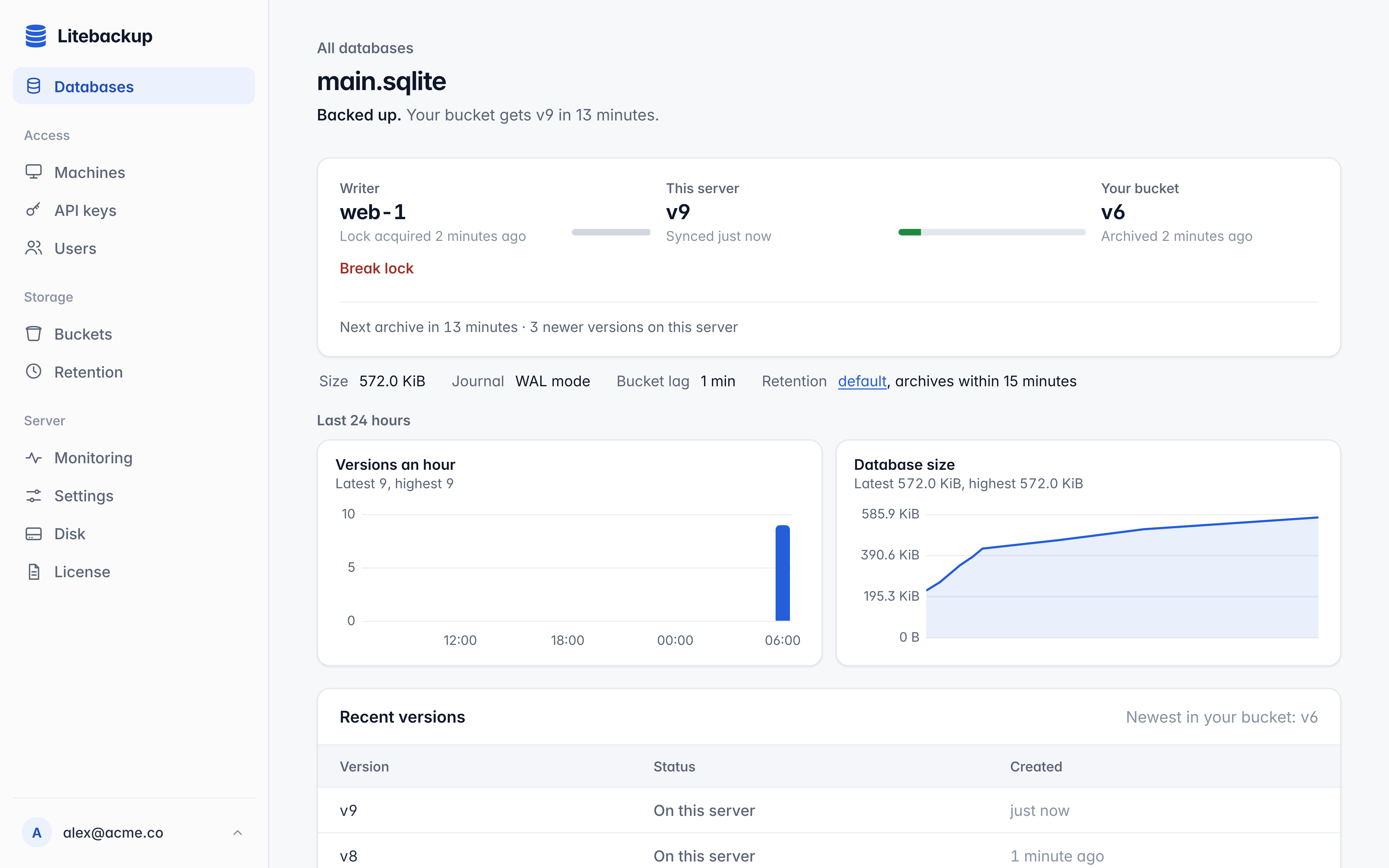
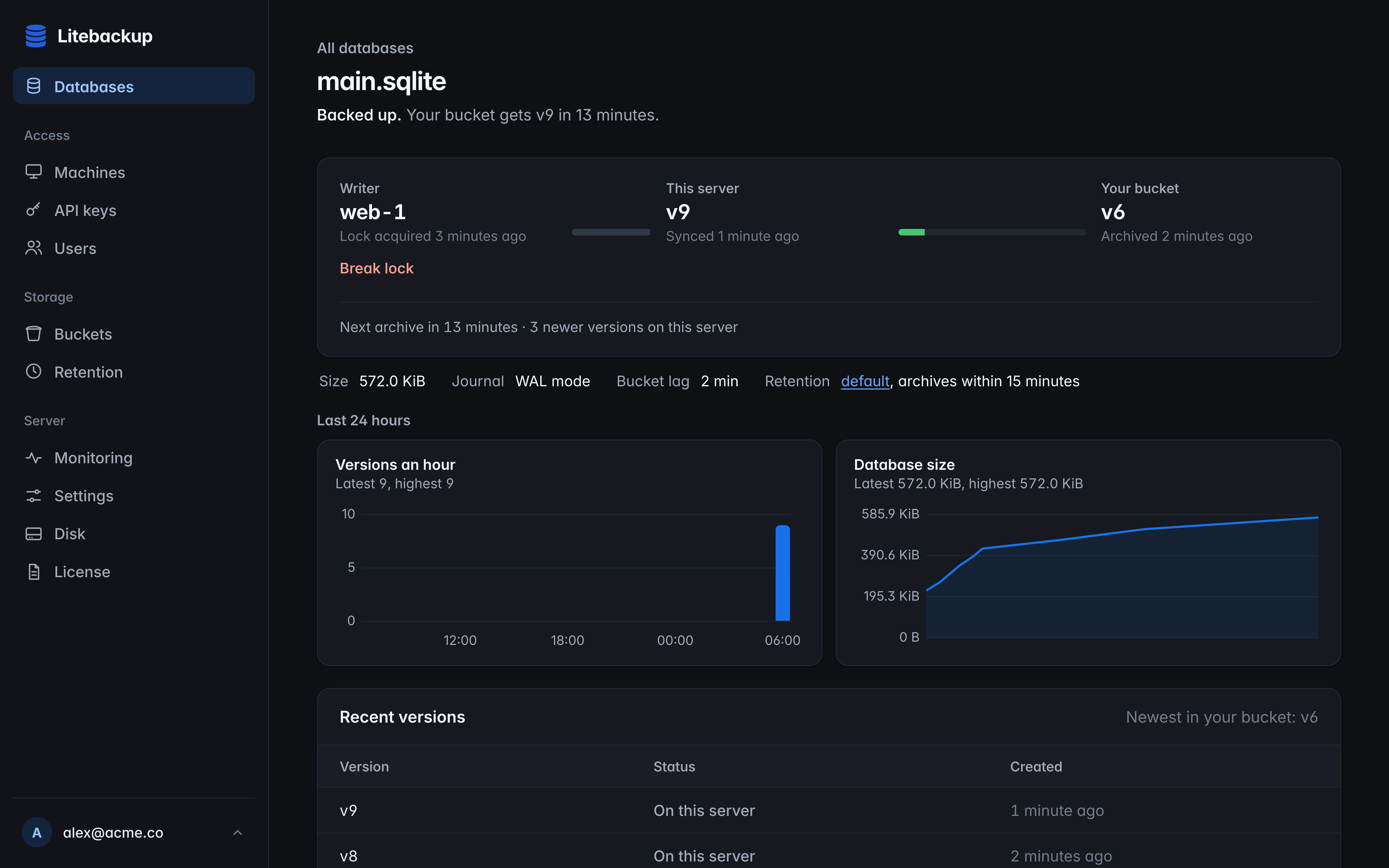
litebackup versions NAME lists every version you can restore, oldest first, with its time and whether your bucket holds it. How far back they reach depends on the retention you chose in the console, and the console shows each database's versions with the command that restores them.
-
By time or by version
--time takes an RFC 3339 timestamp and restores the newest version at or before it, and --version restores one exact version from the list. With neither, you get the newest version. A restore brings back a version Litebackup captured, so a transaction that committed between two versions is not rebuilt on its own.
-
A new, checked file
A restore always writes a new file into a directory that already exists, refuses to replace an existing file with the code file_exists, and runs SQLite's quick_check before it returns, so the copy you get is ready to open.
-
Any machine that joined
You can restore on the machine that writes the database or on any other machine that joined your server. Open the copy on your laptop or test it with your application on a separate machine.
-
To roll back, revert
litebackup revert NAME --version N, or --time, puts a past version back under the database's own name. Its contents become a new newest version, and every later version stays restorable. Run it on the machine that writes the database, with the app's connections closed. A file holding writes the server does not have yet is refused and left as it is.
-
Only a few rows
When only some rows were deleted or changed, restore a copy from before the mistake, attach it to the live database with SQLite's ATTACH, and insert the missing rows in one short transaction. Everything else in the live database stays as it is.
Restore a version, or bring back deleted rows
The SQLite tab copies two missing orders from a restored copy back into the live database, and leaves rows that still exist alone.
import { Litebackup } from "@litebackup/sdk";

const litebackup = new Litebackup();

// The versions your server and bucket keep, oldest first.
console.table(await litebackup.databases.versions("main.sqlite"));

// The newest version from an hour ago or before, once backups go back that
// far, written to a new file.
const restored = await litebackup.databases.restore("main.sqlite", {
  path: "/tmp/main-hour-ago.sqlite",
  time: new Date(Date.now() - 60 * 60 * 1000),
});
console.log(`Restored version ${restored.version} to ${restored.path}`);
package main
import (
"context"
"fmt"
"log"
"time"
"github.com/litebackup/sdk/litebackup"
)
func main() {
ctx := context.Background()
list, err := litebackup.Versions(ctx, "main.sqlite", nil)
if err != nil {
log.Fatal(err)
}
for _, version := range list {
fmt.Println(version.Version, version.Time.Format(time.RFC3339))
}
// The newest version from an hour ago or before, once backups go back that
// far, written to a new file.
restoreTime := time.Now().Add(-time.Hour)
restored, err := litebackup.Restore(ctx, "main.sqlite", &litebackup.RestoreArgs{
Path: "/tmp/main-hour-ago.sqlite",
Time: restoreTime,
})
if err != nil {
log.Fatal(err)
}
fmt.Println("restored version", restored.Version, "to", restored.Path)
}# Restore SQLite by time or version and check the restored copy.
# Runs on Linux and macOS.
litebackup versions main.sqlite
# The newest version from an hour ago or before, once backups go back that far
#, or one exact version.
if [[ "$(uname -s)" == Darwin ]]; then
# -v-1H = go back one hour
RESTORE_TIME="$(date -u -v-1H +%FT%TZ)"
else
RESTORE_TIME="$(date --utc --date='1 hour ago' +%FT%TZ)"
fi
litebackup restore main.sqlite /tmp/main-hour-ago.sqlite --time "${RESTORE_TIME}"
litebackup restore main.sqlite /tmp/main-v120.sqlite --version 120
# Look at the copy before you use it.
sqlite3 -readonly /tmp/main-hour-ago.sqlite 'PRAGMA integrity_check'# Copy orders 101 and 102 back from the restored copy, only if they are missing.
# mode=ro opens the copy readonly, and fails instead of creating an empty one
# when the restore did not write it.
sqlite3 -bail /var/lib/app/main.sqlite <<'SQL'
.timeout 5000
ATTACH DATABASE 'file:/tmp/main-hour-ago.sqlite?mode=ro' AS recovered;
BEGIN IMMEDIATE;
INSERT INTO main.orders (id, customer_id, total_cents)
SELECT old.id, old.customer_id, old.total_cents
FROM recovered.orders AS old
WHERE old.id IN (101, 102)
AND NOT EXISTS (SELECT 1 FROM main.orders AS current WHERE current.id = old.id);
COMMIT;
DETACH DATABASE recovered;
SQL