
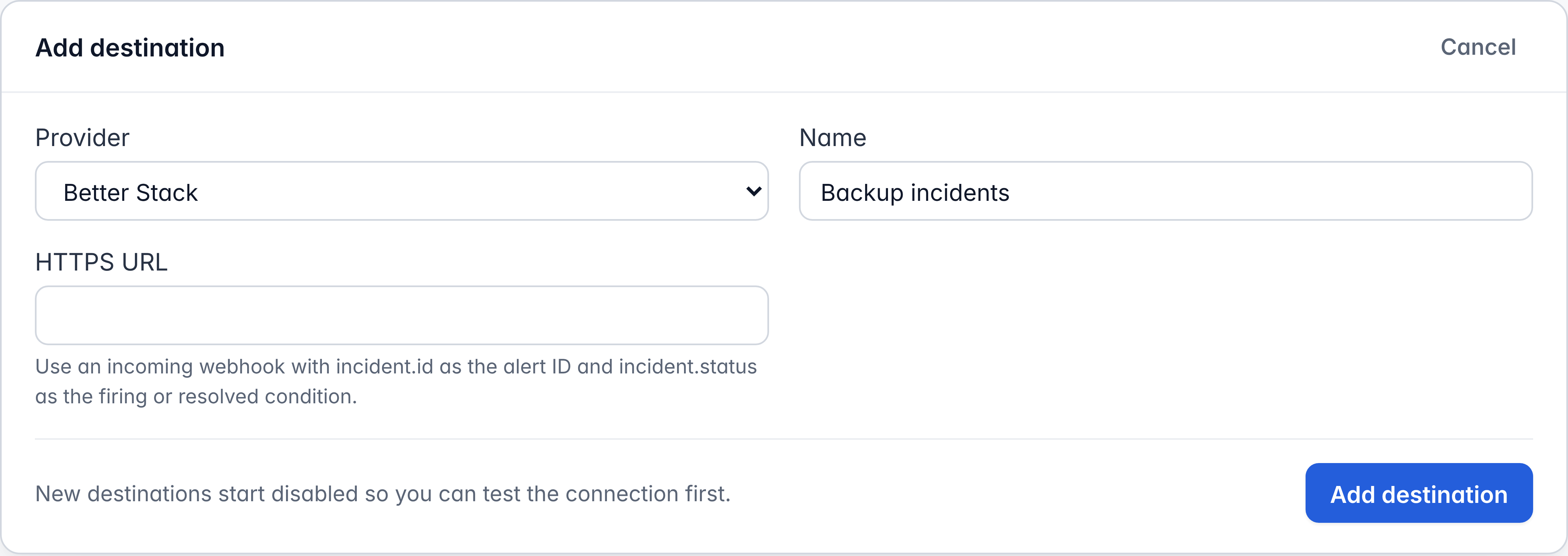
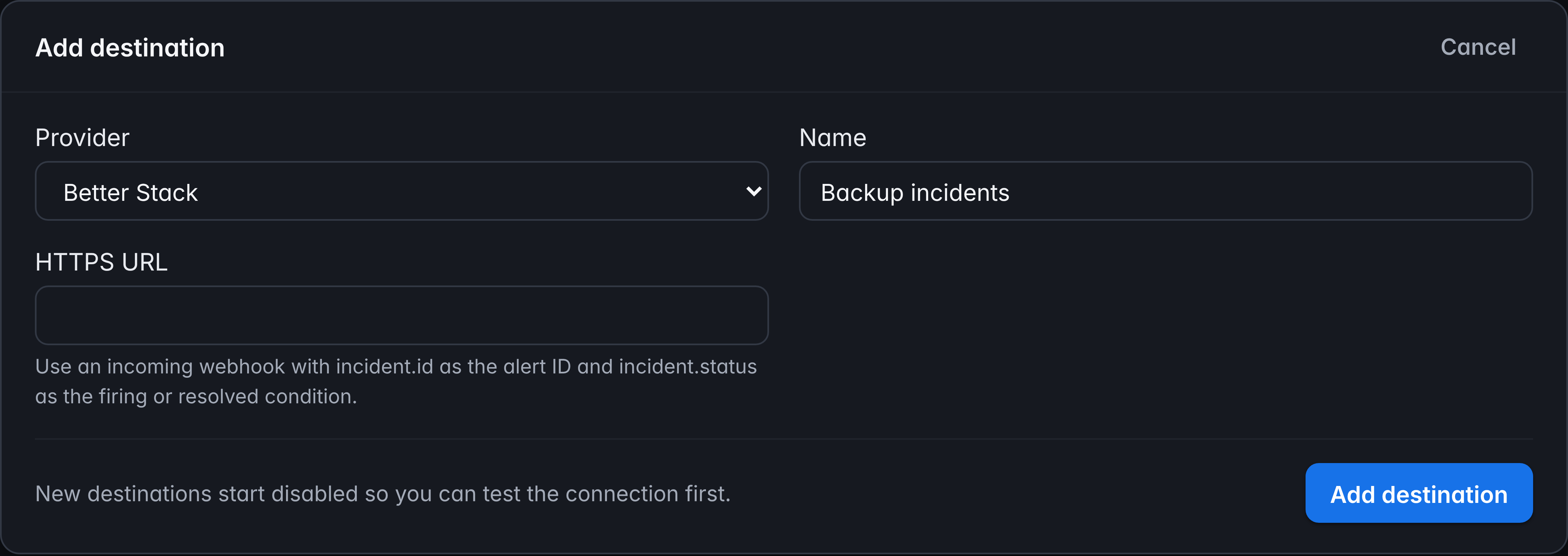
Set the firing and recovery conditions
Create an incident when incident.status equals firing. Under Resolving incidents, change Never to a condition matching incident.status against resolved. Use the same Alert ID for resolution.
Check that one incident opens and resolves
On the Alerts page, choose Send test alert in the destination’s controls. The test can page a person. Check that both the trigger and recovery were accepted.
In Better Stack, include resolved incidents and open the test. The incoming webhook should create one incident from the first request and resolve it from the second. Allow for any recovery period configured on the webhook.
Fix an incident that stays open
Check that the resolve rule matches the literal value resolved. Use the full incident.id for both rules. The title changes between firing and recovery, so it cannot reliably identify the incident.
Enable alerts
Check how many alerts are firing before choosing Enable delivery. Each server sends its open alerts immediately, then reports new alerts and recoveries for all enabled thresholds.
Install
Install Litebackup and back up a SQLite database to start monitoring it. Choose another paging service or chat channel in the alert integrations guide.