
Find the test in Operations
On the Alerts page, choose Send test alert in the destination’s controls. The test can page a person. Check that both the trigger and recovery were accepted.
Open the team’s Operations alerts and include closed alerts in the search. Look for a P2 test alert. Litebackup creates an Operations alert and uses the same alias in the close request.
Diagnose an accepted request
Atlassian processes integration events asynchronously. If Litebackup shows acceptance but the alert is missing or stays open, check the integration’s activity and its create and close actions. Use the API key from the team integration when checking credentials. Atlassian Integration Events API.
Enable alerts
Check how many alerts are firing before choosing Enable delivery. Each server sends its open alerts immediately, then reports new alerts and recoveries for all enabled thresholds.
Add the destination from the server CLI
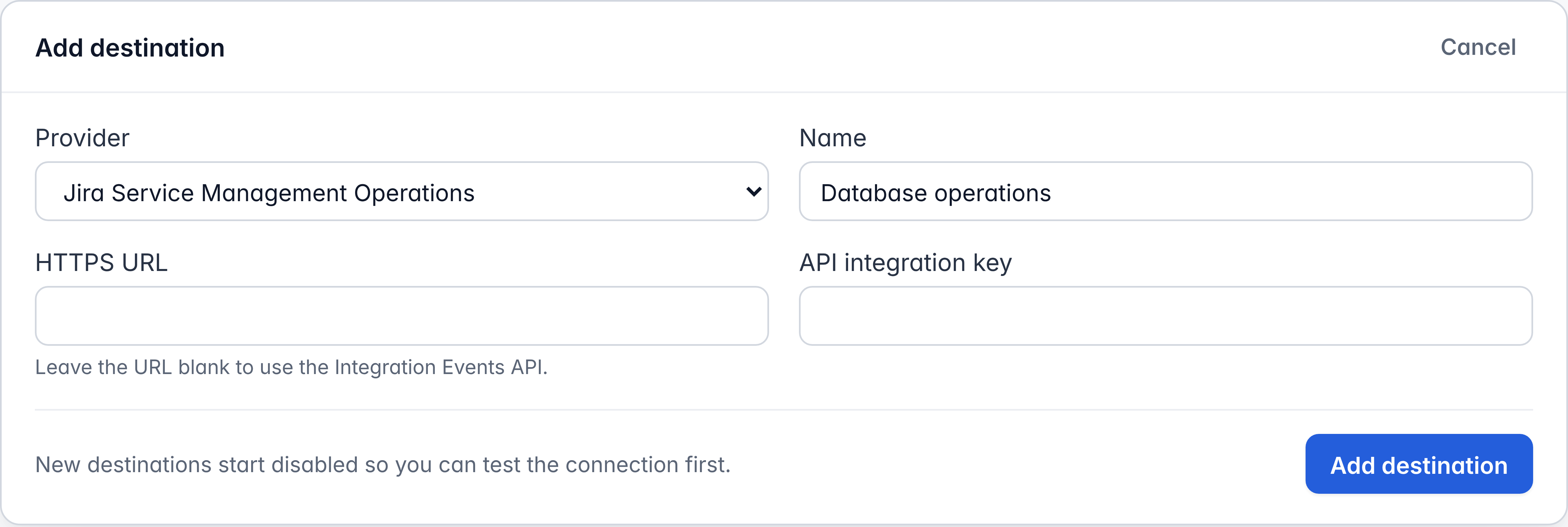
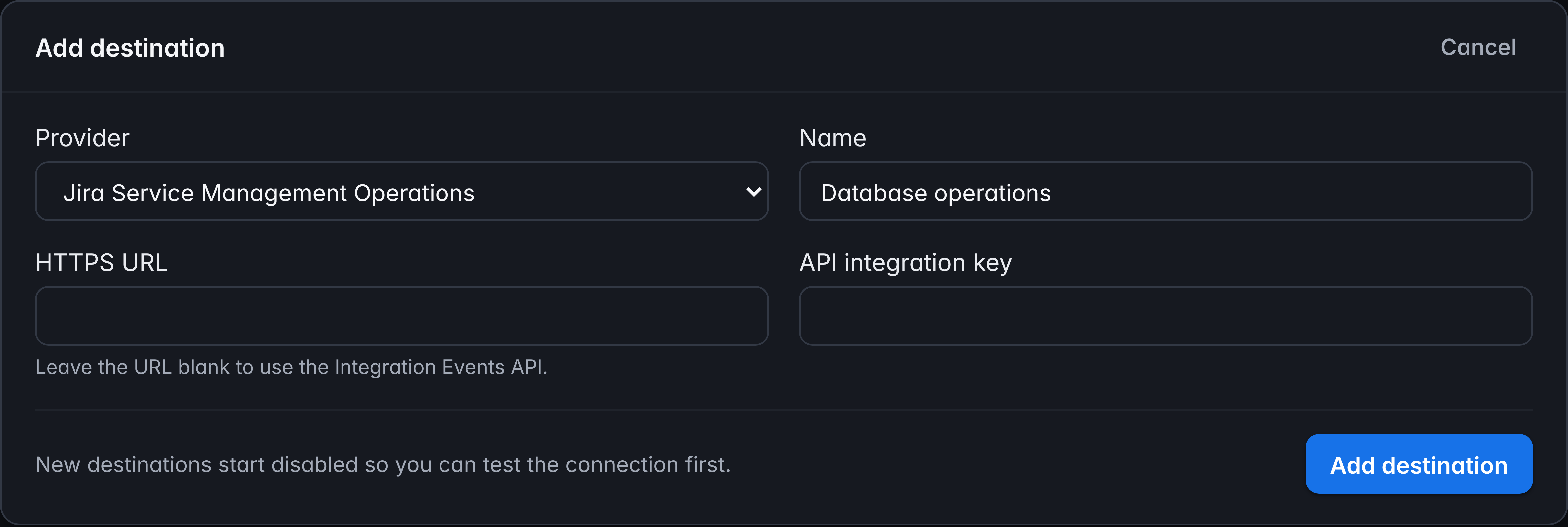
As an alternative to the console form, run this on the Litebackup server and enter the credentials at the prompt.
# Add the destination from the Litebackup server host.
litebackup server alert-destination add \
    --provider jira \
    --name "Jira Service Management Operations"
Install
Install Litebackup and back up a SQLite database to start monitoring it. Choose another paging service or chat channel in the alert integrations guide.