Skip to content

Send SQLite backup alerts to Slack

Post a backup alert and its recovery in the same Slack channel, with the peak reading and a link to the console.

Choose the Slack channel

  • Authorize the channel

    In the Slack app settings, turn on Incoming Webhooks and select Add New Webhook to Workspace. Pick the channel and choose Allow. Join a private channel before authorizing its webhook.

  • Connect Litebackup

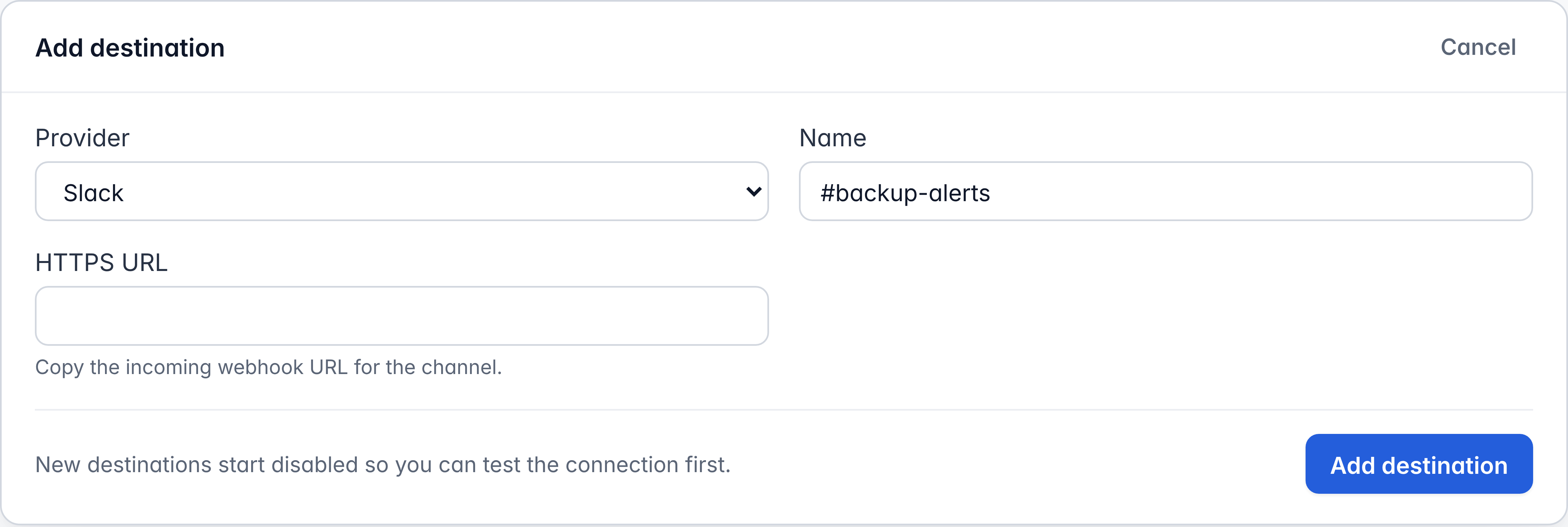
    As an admin, open Alerts and choose Add destination. Select Slack and name the destination. Copy the incoming webhook URL for the channel and paste it into HTTPS URL. Choose Add destination to save it.

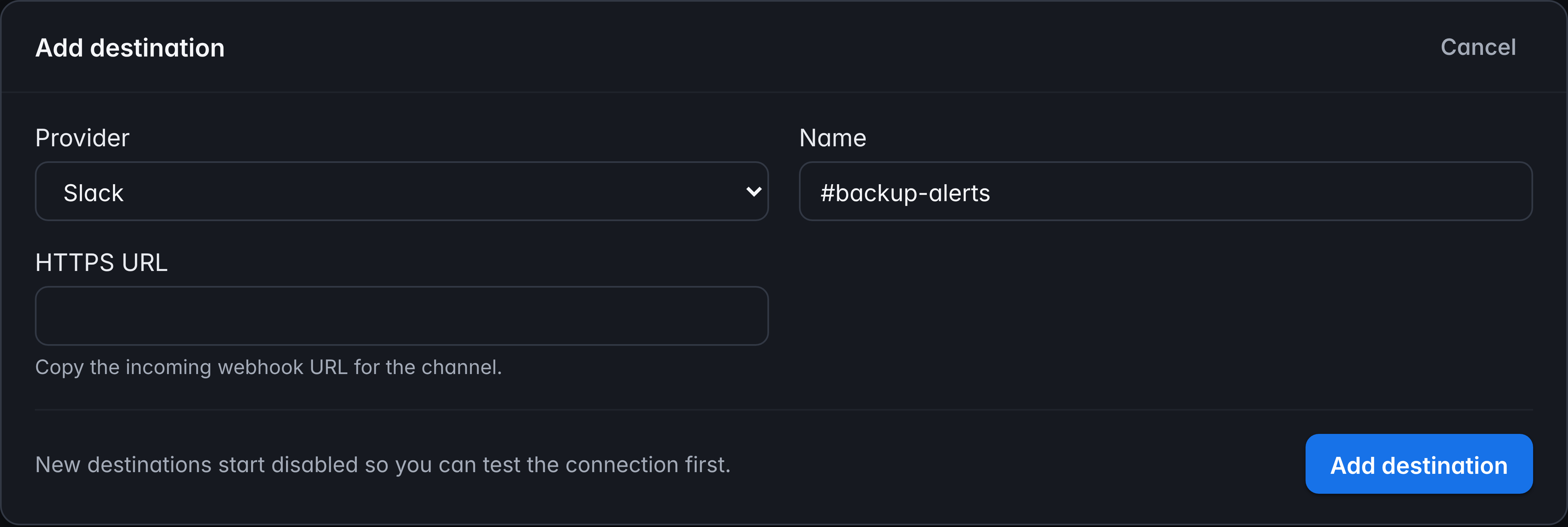
Slack selected with the destination named for the backup alerts channel. Slack selected with the destination named for the backup alerts channel.

What replica lag looks like in Slack

These example posts show a replica that crossed a 60-second lag threshold and later caught up.

Litebackup · Replica lag above threshold on backups.example.org. Peak 90 seconds, threshold above 60 seconds. https://backups.example.org/console/alerts (backup-alert-42)

Check the two posts in Slack

On the Alerts page, choose Send test alert in the destination’s controls. The test can page a person. Check that both the trigger and recovery were accepted.

In the channel you authorized, look for “Litebackup test alert firing” and “Litebackup test alert resolved”. Slack receives two separate posts. The identifier in parentheses is the same in both.

Read a recovery after replica lag

In the example, the replica fell 120 seconds behind its source. The recovery post keeps that peak so the team can see how far it fell behind. Follow the console link for the alert history. If posts appear in the wrong channel, create a webhook for the intended channel and edit the destination to use it.

Enable alerts

Check how many alerts are firing before choosing Enable delivery. Each server sends its open alerts immediately, then reports new alerts and recoveries for all enabled thresholds.

Install

Install Litebackup and back up a SQLite database to start monitoring it. Choose another paging service or chat channel in the alert integrations guide.